Bullwaves Prime is owned and operated by Moonance LLC, a company incorporated in Saint Vincent & the Grenadines, with registration no. 2141 LLC 2022.
Bullwaves is the trading name of Equitex Capital Limited, a CFD broker company incorporated in the Seychelles under license number SD185, which serves as the technology provider for Bullwaves Prime.
Bullwaves Prime collaborates directly with individual professional athletes who are personally sponsored. We are not affiliated with or endorsed by the UFC organization. Our support includes promotional partnerships, brand sponsorships, and exclusive initiatives to empower athletes both inside and outside the octagon.
ETX Services Limited with company registration number HE455407, a company registered in Cyprus with registered address Archiepiskopou Makariou lll 160, 3026 Limassol is appointed as Independent Representative and Distributor.
Risk Disclaimer: Over-the-counter derivatives are complex instruments and come with a high risk of losing your initial capital rapidly due to leverage. You should consider whether you understand how over-the-counter derivatives work and whether you can afford to take the high level of risk to your capital. Investing in over-the-counter derivatives carries significant risks and is not suitable for all investors.
When acquiring our derivative products you have no entitlement, right or obligation to the underlying financial asset. Equitex is not a financial advisor and all services are provided on an execution only basis. Information is of a general nature only and does not consider your financial objectives, needs or personal circumstances. Important legal documents in relation to our products and services are available on our website. You should read and understand these documents before applying for any Bullwaves products or services and obtain independent professional advice as necessary.
The information or services described on this website is not directed at or offered to residents of Belgium, Israel, Iran, Maldives, North Korea, United States, Afghanistan, Belarus, Central African Republic, China, Cuba, Libya, Nicaragua, Palestinian Authority/Gaza/West Bank, Venezuela and to jurisdictions on the FATF and EU/UN sanctions lists or any other person in any jurisdiction where such distribution or use would be contrary to local laws or regulations. For more information please contact our support. Clients who onboarded via www.bullwaves.com can contact our support team at support@bullwaves.com. For complaints please email us at legal@bullwaves.com
Equitech Marketing Management LLC is a company incorporated in UAE, with registered address WHP2 Block A Commercial Saih shuaib 3, Dubai, UAE
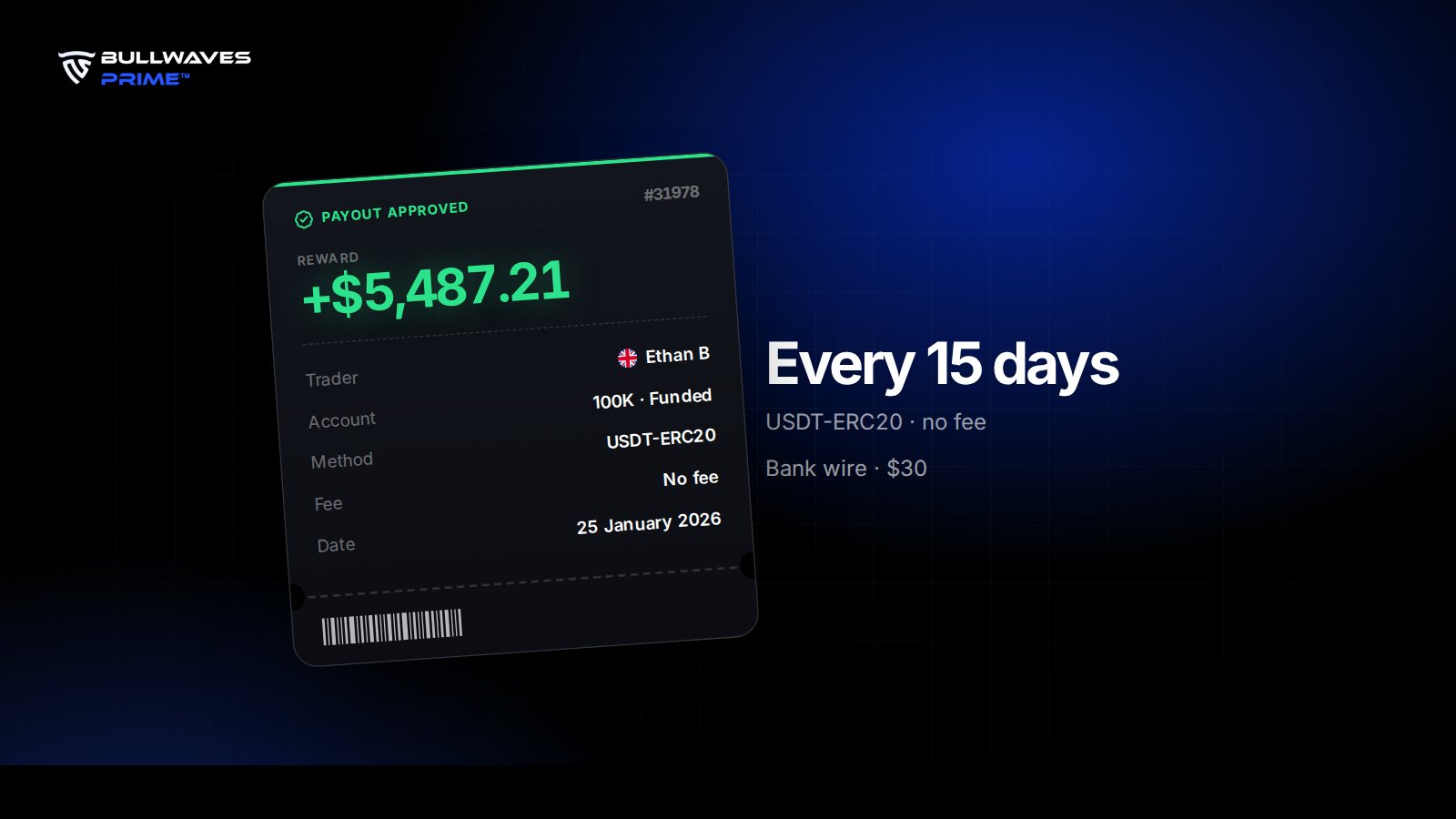
 Ethan B+$5,487.21100K
 Matteo R+$9,862.44200K
 Ifeanyi O+$2,676.8050K
 Carla M+$1,392.1525K
 Zayd A+$11,743.92200K
 Noah K+$4,908.67100K